Launch an Instance from a Custom AMI
Launch an Instance from a Custom AMI
A Key Pair is used to encrypt and decrypt credentials for the EC2 virtual server. In case of losing the key pair, follow these steps to assign a new one.
-
In the EC2 interface:
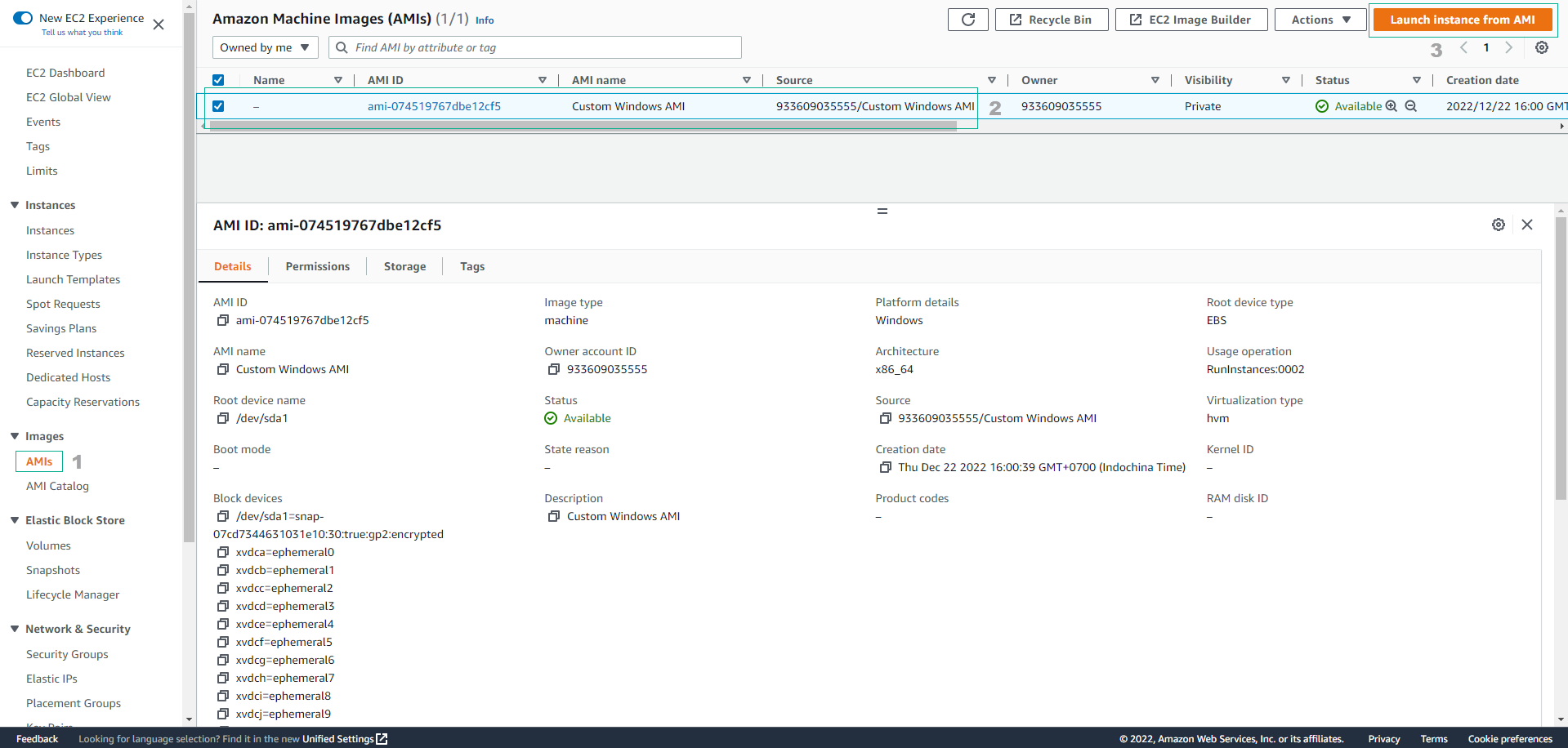
- Select AMIs
- Choose the recently created Custom Windows AMI from the Microsoft Windows Server 2025 instance
- Click Launch instance from AMI
-
Name: Enter
Windows Server AMI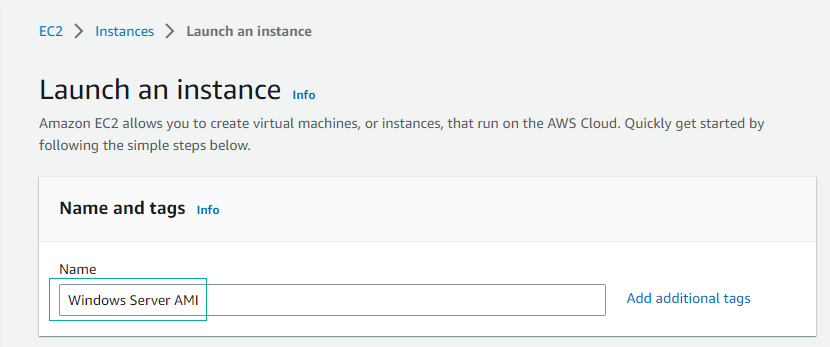
-
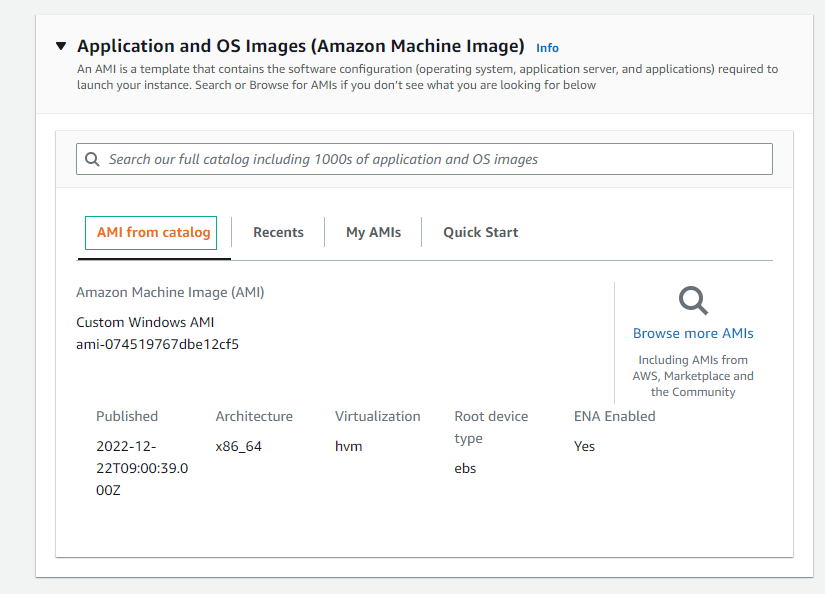
In the AMI selector:
- Select AMI from catalog
-
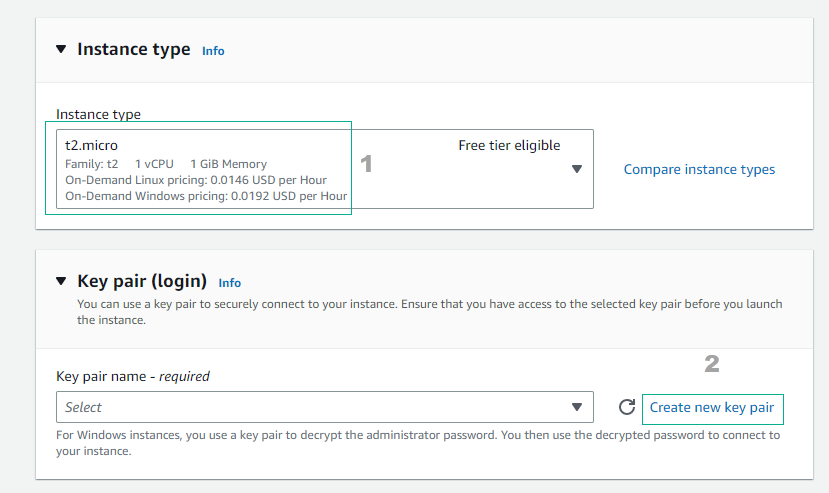
Next, select Instance type and choose Create new key pair
-
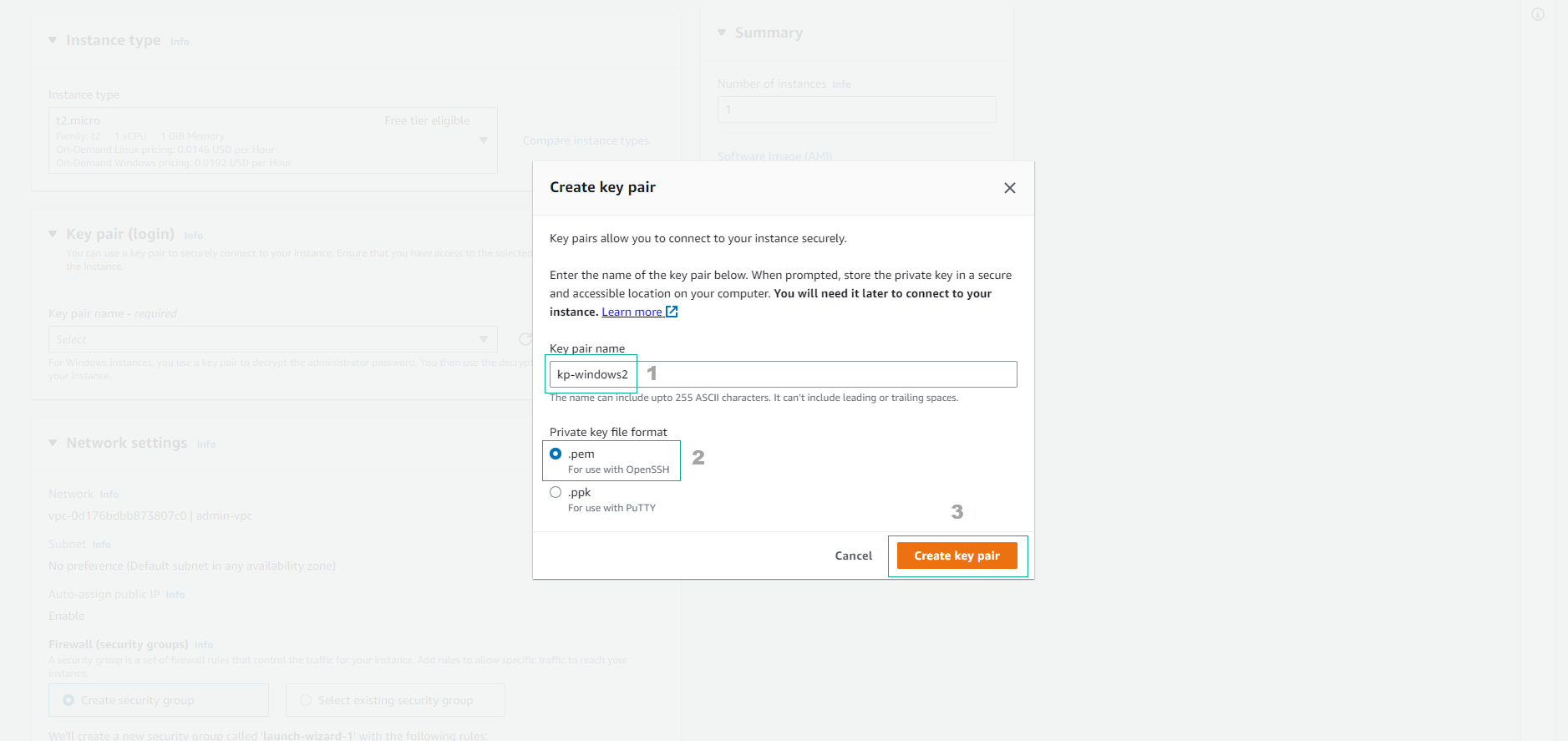
In the Create key pair interface:
- Key pair name: Enter
kp-windows2 - Private key file format: Select .pem
- Click Create key pair
- Key pair name: Enter
-
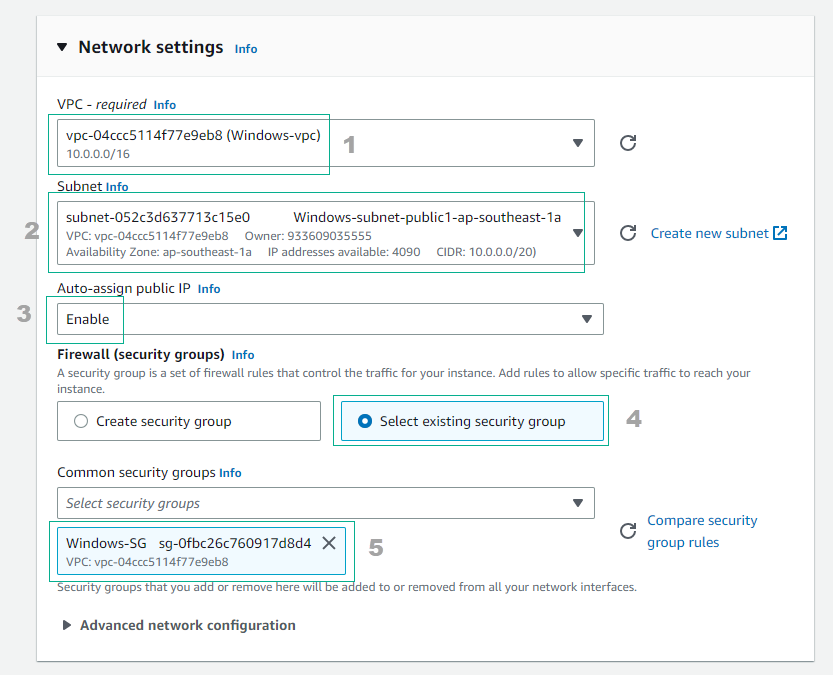
Now, configure the network for the new instance. Under Network settings, select Edit and then:
- VPC: Choose Windows-vpc
- Subnet: Choose public subnet
- Auto-assign public IP: Choose Enable
- Firewall (security group): Choose Select existing security group
- Common security groups: Choose Windows-SG
-
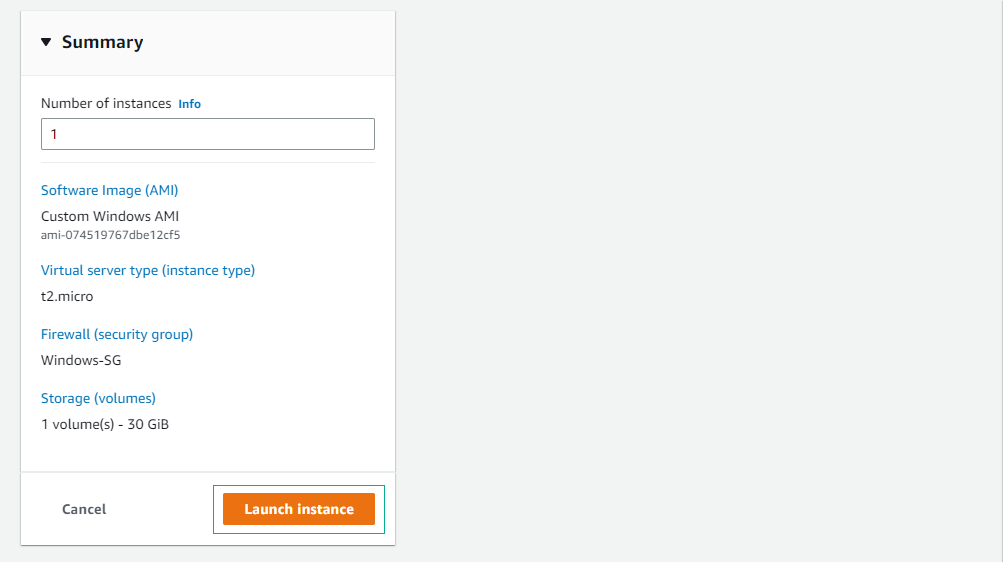
Double-check the settings and click Launch instance
-
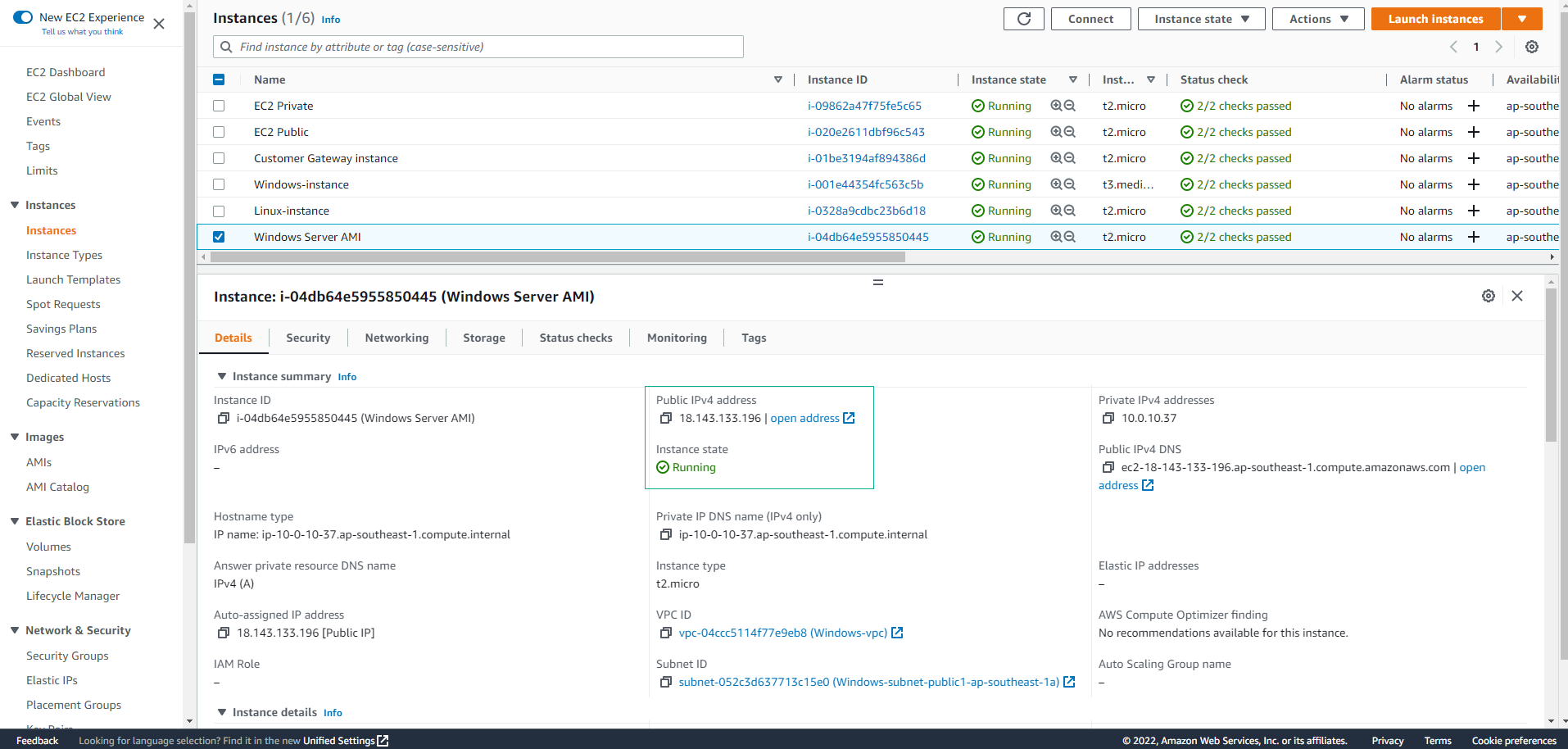
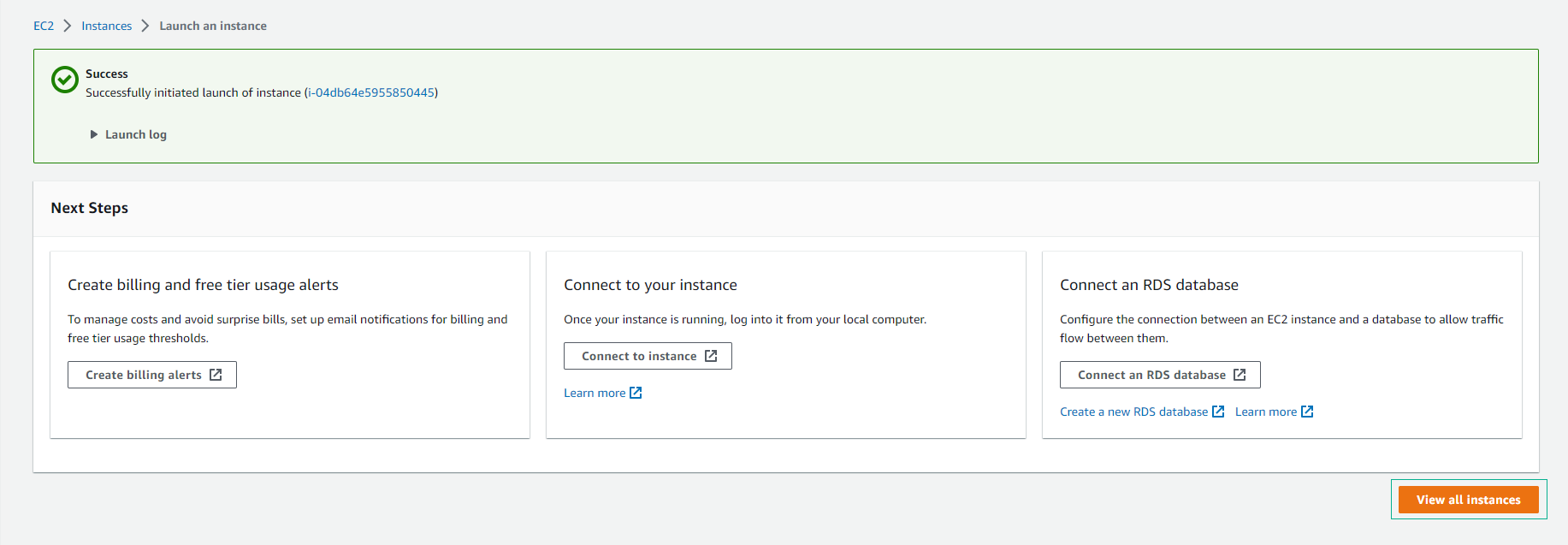
Finish creating the new instance, then click View all instances to see details about the instance
-
Wait approximately 5 minutes after initialization for the Status check to change to 2/2 checks passed